Builds
Stolen Realm Build Codes: Import, Share & Bard Update
Learn how Stolen Realm Build Codes work after the Nov 2026 update: export and import text strings, respec free in town, check DLC trees, and use planners.
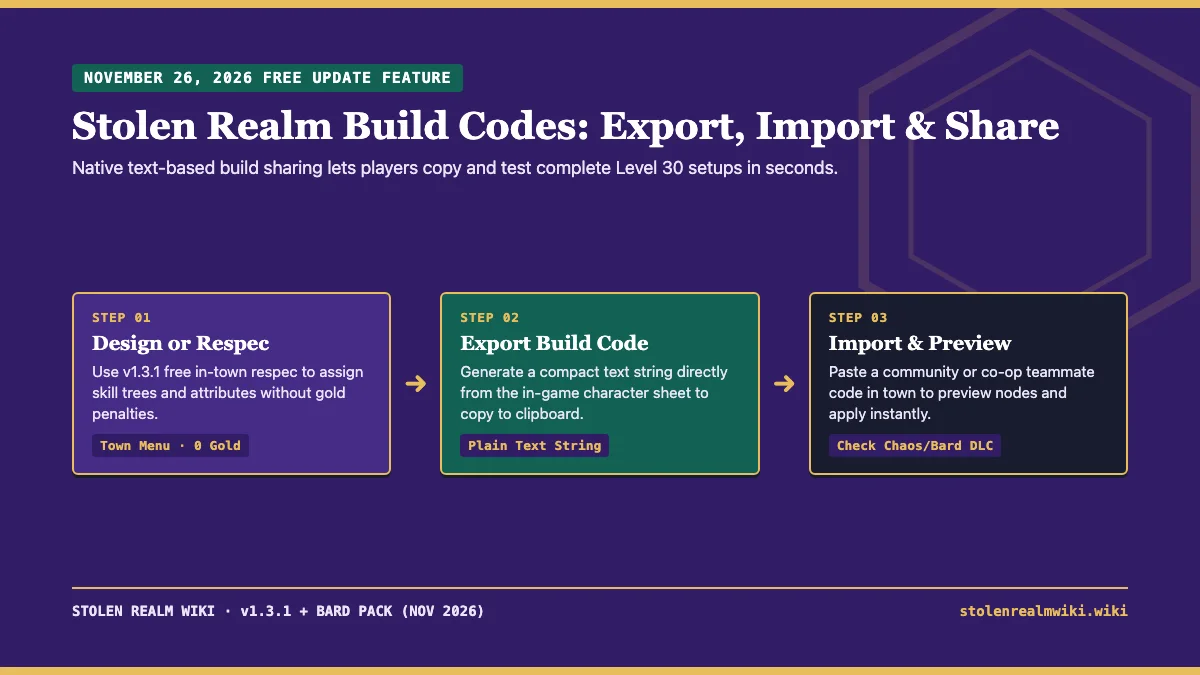
Sharing a classless Stolen Realm hero used to mean posting multiple screenshots of different skill trees and listing passives by hand. The November 26, 2026 free content update—released alongside the Bard Pack DLC—eliminated that friction with native Build Codes. Every player can now export a character's build as plain text and paste shared codes directly in-game to preview or import them.
Paired with the zero-gold town respec overhaul from v1.3.1, Stolen Realm Build Codes make testing Campaign and Endless Mode setups effortless. Here is how to export, import, troubleshoot DLC tree dependencies, and combine native codes with the community planner.
How Native Build Codes Work (November 2026 Update)
Native Build Codes arrived in the November 26, 2026 free patch for every Stolen Realm owner—no DLC purchase is required to export or import base-tree builds. That same update added companion loadout quality-of-life tools: a reworked Examine window, Item Locking to prevent accidental sales, a Sell All menu, and Automated Crafting Material Purchases.
Exporting Your Build as Plain Text
- Finalize your hero in town: Confirm your character's skill allocations match the Campaign or Level 30 Endless setup you intend to share.
- Export the plain-text Build Code: Open your character/skill build sharing option in-client to copy the generated text string for your active hero.
- Add context when sharing: Post the text code in Discord or lobby chat alongside three quick notes: target level, DLC trees required (Base 10, Chaos, or Bard), and attribute focus (for example, Vitality for Soul Crush or Intelligence for multi-song Crescendo Bard).
Previewing and Importing Shared Codes
- Copy the full string cleanly: Strip stray spaces, line breaks, or quotation marks before pasting.
- Preview before applying: Paste the string into the in-game Build Code field to inspect the tree layout first, then confirm to import it onto your hero.
- Match stats and gear: Check your five attributes (Might, Dexterity, Vitality, Intelligence, Reflex) and crafted affixes afterward. Remember Might scales both Attack Power and Spell Power, and holding Shift allocates 10 attribute points per click.
Why we do not fabricate raw code strings: Genuine Build Codes are serialized directly by the live Stolen Realm client. Rather than publishing synthetic unverified strings that could break on paste, we provide verified skill-tree blueprints on Best Builds so you can assemble any meta setup in-client and export an authentic, patch-matched code yourself.
Pairing Build Codes with Free v1.3.1 Town Respecs
Build Codes work hand in hand with the v1.3.0 / v1.3.1 respec overhaul (September 2026). Legacy v1.0 guides still point players to the respec NPC in the lower-left area of Talestone Town for a full reset costing roughly Character Level × 250 gold (about 7,500 gold at Level 30).
That cost is gone:
- Free edits in town: Open your Character or Skill Tree screen in town to reallocate attributes and skill points at zero gold cost.
- Partial tuning, not forced wipes: After importing a teammate's code, you can swap just two or three nodes—such as adding Shadow's Ghost Armor or Cold's Frost Armour—without rebuilding the whole hero.
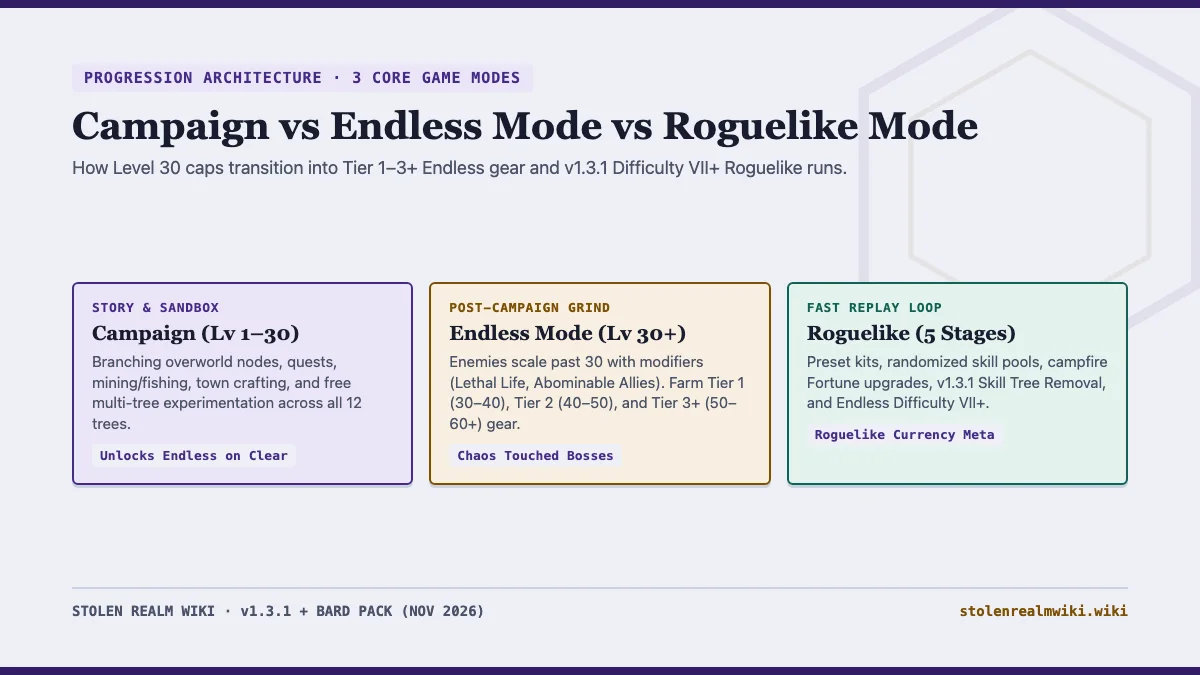
- Smooth Endless transitions: Clear the main Campaign quests with a fast leveling setup, then pivot cleanly at Level 30 into Perfected Soul + Soul Crush for Tier 1–3+ Endless maps and Chaos Touched Endless Mode Bosses.
Note that Build Codes and free town respecs apply to Campaign and Endless Mode. In Roguelike Mode, runs use presets, drafted skills, Fortunes, and Skill Tree Removal instead (see Roguelike Builds).
Troubleshooting DLC Trees, Level Caps & Version Parity
| Import Problem | Likely Cause | Fix |
|---|---|---|
| Locked or missing nodes | Code uses Chaos (Chaos Pack, $4.99) or Bard (Bard Pack, $4.99) trees you do not own | Verify DLC ownership or swap missing nodes with base-10 skills from All 12 Skill Trees. |
| Insufficient skill points | Code came from a Level 30 hero while yours is lower level | Preview the layout, grab core active skills first, and finish Tier 5 passives like Perfected Soul near Level 30. |
| Cross-platform mismatch | PC (Windows/macOS) and console (Xbox / Switch) clients are temporarily on different patches | Confirm everyone is updated to the November 26, 2026+ patch; see Multiplayer & Co-op. |
| Weak damage after import | Missing Might points, low Endless Gear Tier, or unequipped affixes | Build Codes do not move loot. Review Stats & Formulas and transfer gear via the Stash (inventory and gold are character-bound). |
| Sold old gear while testing | Bulk selling without protecting swap sets | Enable Item Locking (Nov 2026) on Immortal, Herculean, Vampiric, or Untamed pieces before using Sell All. |
In-Game Build Codes vs. External Planner (stolenrealm.ianlamb.com)
Community theorycrafters still get real mileage out of the external browser planner at stolenrealm.ianlamb.com. The two tools solve different steps of the same workflow:
| Feature | In-Game Native Build Codes | External Planner (stolenrealm.ianlamb.com) |
|---|---|---|
| Core Strength | Instant export, preview, and import inside the live client | Browser-based tree planning away from the game |
| Patch Accuracy | Always reflects your installed client version (including Bard Pack) | Community-maintained; double-check tooltips in-game |
| Best Use Case | Swapping live Campaign/Endless loadouts and sharing with lobby friends | Planning 6-hero co-op comps and posting visual links in guides |
| Gear Handling | Structure only—pair with Stash, Item Locking, and Advanced Search | Concept planning only; verify Tiered gear stats in-client |
Clean Co-op Workflow
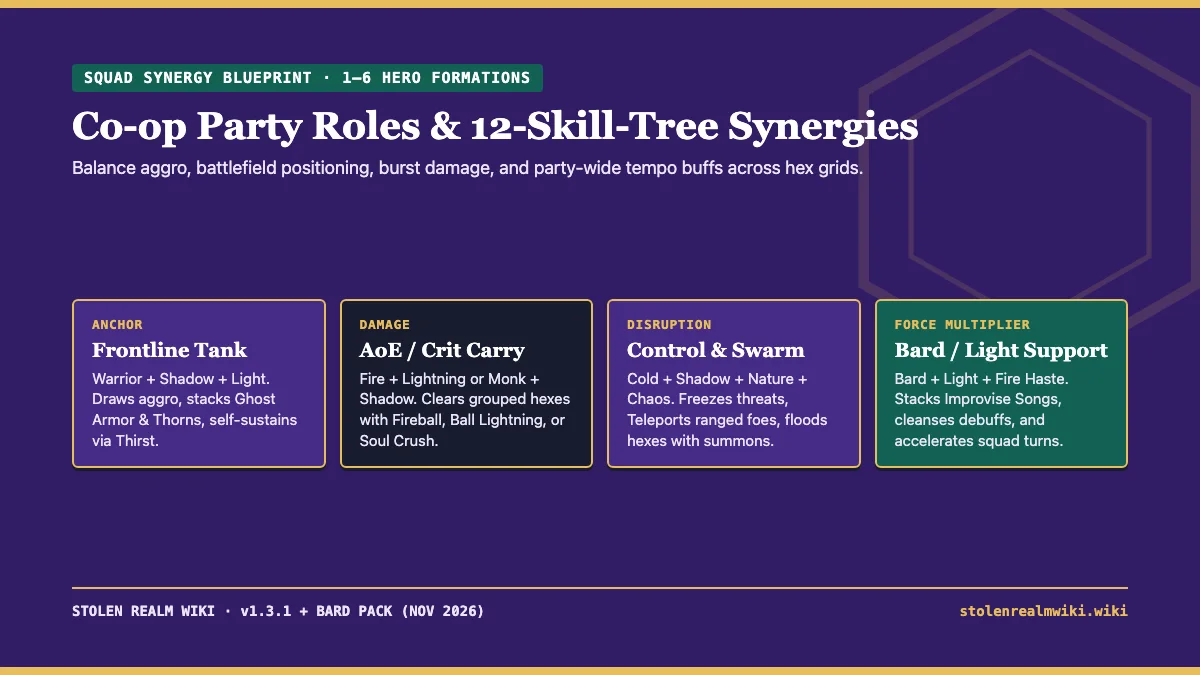
- Plan roles offline: Pick your frontline tank, Mass Haste AoE nuker, Teleport controller, and Bard support using our 2026 Tier List and
stolenrealm.ianlamb.com. - Assemble and verify in town: Build each hero using free v1.3.1 respecs, lock core items with Item Locking, and confirm tooltips in the reworked Examine window.
- Archive live Build Codes: Share each finalized plain-text code with your group so returning friends—or newcomers reading our Beginner Guide and Bard DLC Guide—can preview and import proven setups in seconds.
Frequently asked questions
Do I need to buy the Bard Pack DLC to use Build Codes in Stolen Realm?
No. Native plain-text Build Codes shipped in the November 26, 2026 free update for every Stolen Realm owner. You only need the Bard Pack or Chaos Pack DLC if the specific code you are importing spends skill points inside the Bard or Chaos trees.
Does importing a Build Code cost gold or require visiting the old Talestone Town respec NPC?
No. Prior to v1.3.0/v1.3.1, resetting a hero cost roughly Level x 250 gold (about 7,500 gold at Level 30) at the Talestone Town NPC. Since September 2026, you can adjust attributes and skill points freely inside the Character and Skill Tree screens while in town.
Why doesn't this page list raw copy-paste Build Code strings for every archetype?
Build Code strings are generated directly by the live game client and depend on exact patch encoding and node states. Rather than inventing unverified text strings that could fail to import, we document verified skill-tree blueprints and how to export clean codes straight from your own client.
Do Build Codes copy gear, crafted affixes, or gold between characters?
No. Build Codes share character build structure rather than physical items or wallets. Inventory and gold stay bound to individual heroes, so use the Stash (or right-click items to send them to the Stash or another character) when moving Tiered gear.
Should I still use stolenrealm.ianlamb.com now that in-game Build Codes exist?
Yes—the two tools complement each other. Use stolenrealm.ianlamb.com to theorycraft skill trees in a browser away from the game and discuss layouts with friends, then lock in your live hero and export a native Build Code inside Stolen Realm for instant in-client previewing and importing.
Keep reading
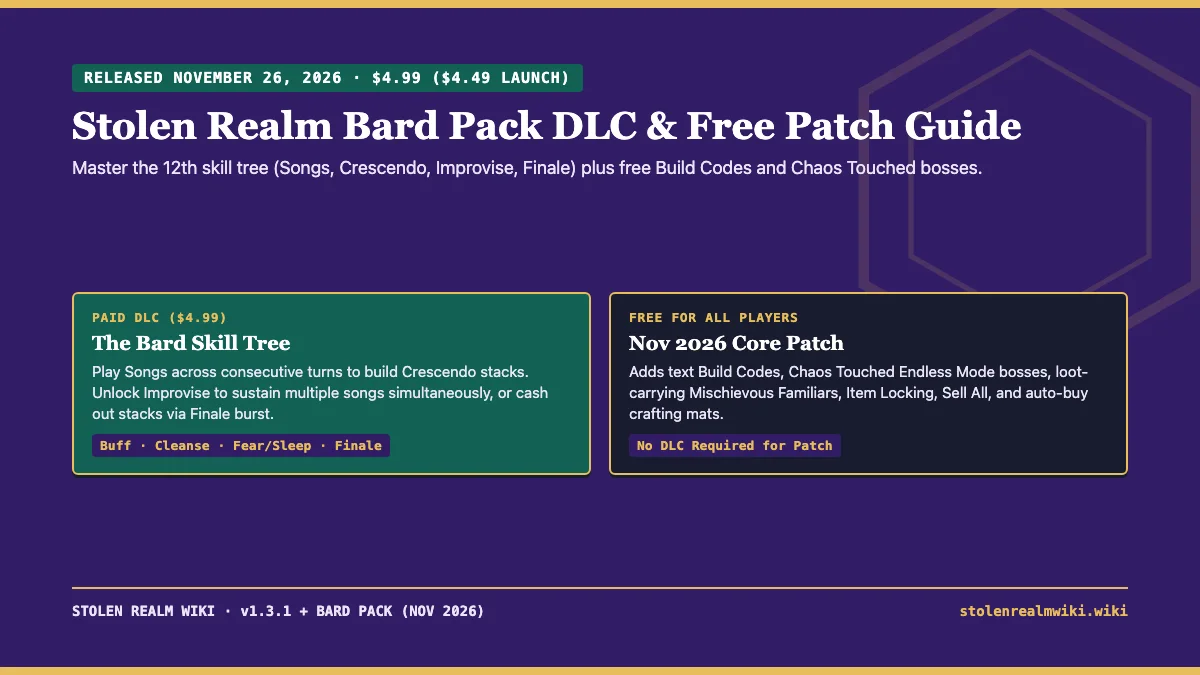
Stolen Realm Bard DLC Guide: Songs, Crescendo & Patch
Complete guide to the November 26, 2026 Stolen Realm Bard Pack DLC ($4.99, Steam App ID 5400070): Songs, Crescendo mana management, Improvise multi-s…
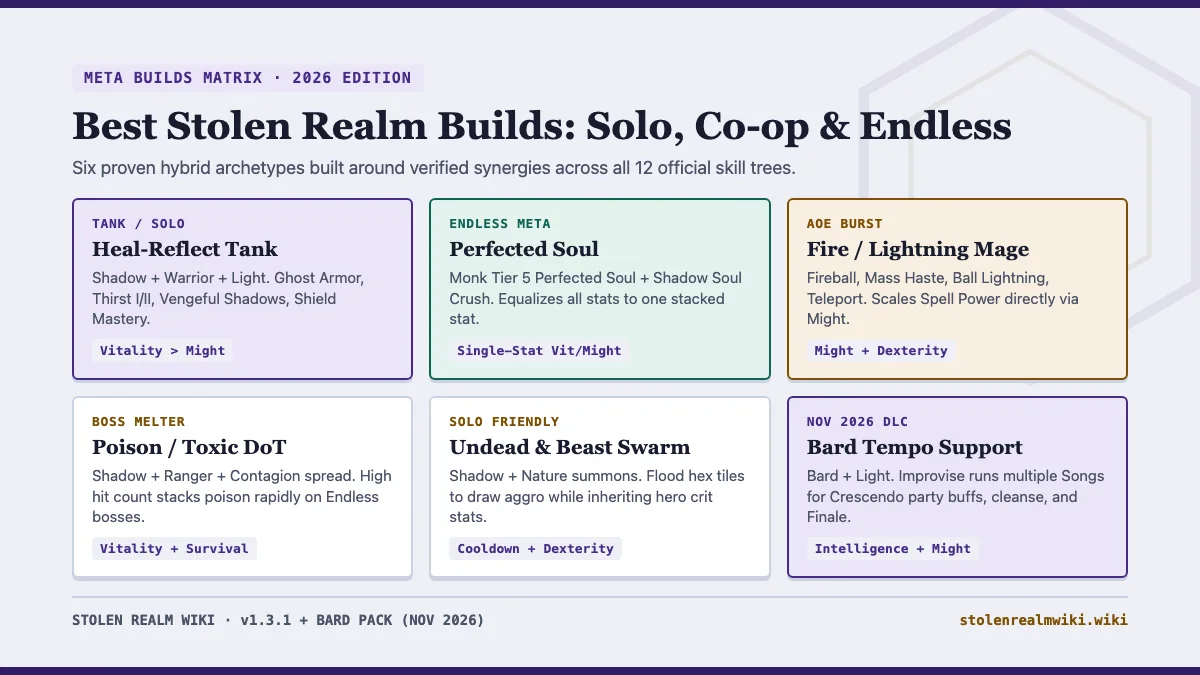
Stolen Realm Best Builds: Solo, Co-op & Endless Meta
Seven verified Stolen Realm meta builds across Solo, 6-player Co-op, and Endless Mode, covering Heal-Reflect Tank, Perfected Soul / Soul Crush, Fire…
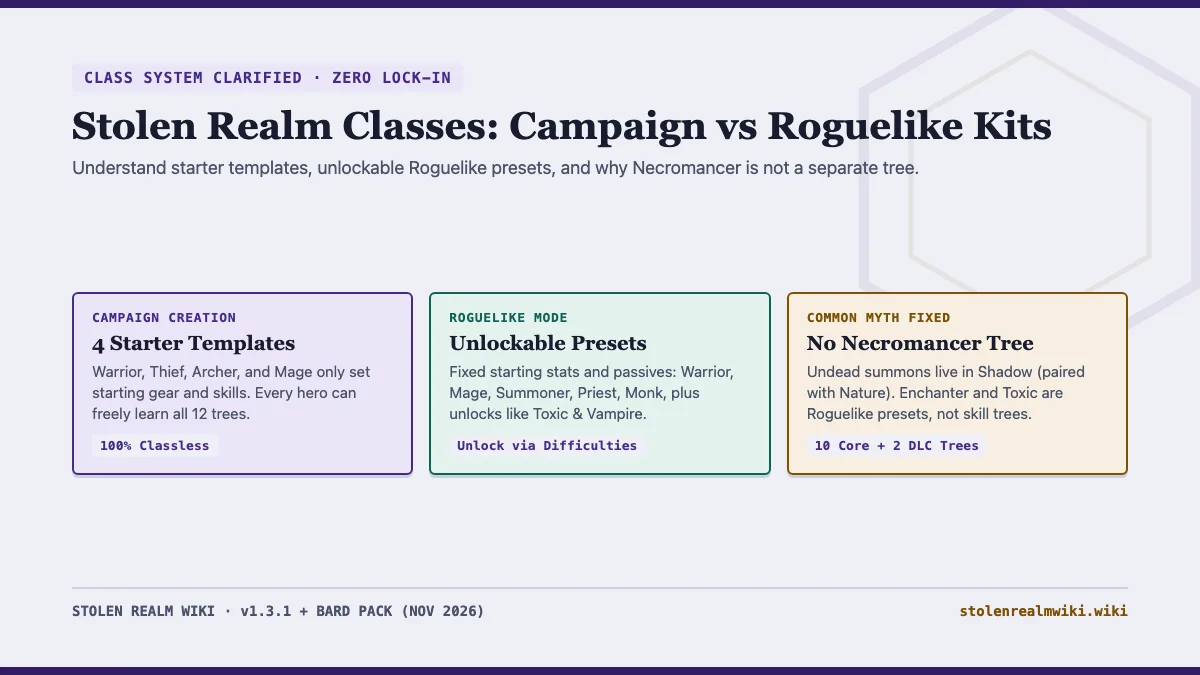
Stolen Realm Classes Guide: Presets & Classless Hybrids
Definitive explanation of Stolen Realm's class system across modes: why the 4 Campaign starter templates never lock your hero, how Roguelike Mode pre…
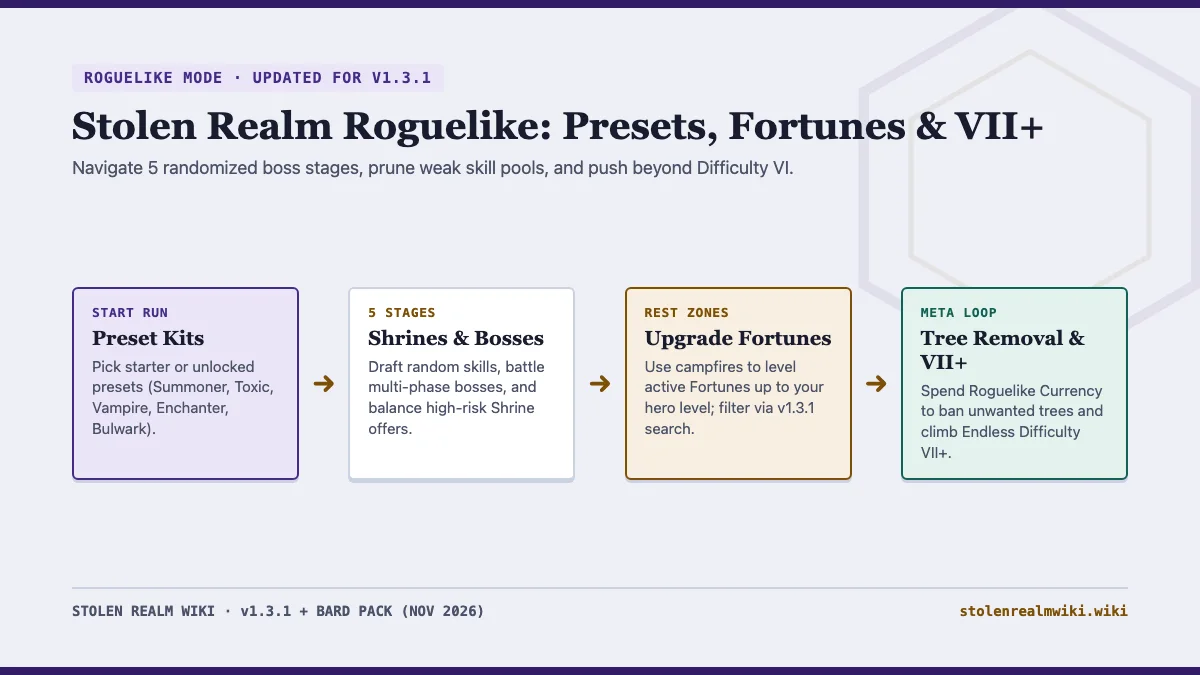
Stolen Realm Roguelike Builds: Difficulty 7+ & Presets
Complete guide to Stolen Realm Roguelike Mode builds and progression for v1.3.1 and Difficulty VII+ Endless runs, covering the 5-stage dungeon struct…